



Illustration only, not measured results. Actual priorities depend on your project and organization.
What does a procurement manager do in a project-based company?
A procurement manager buys materials, equipment and services for many projects at once, so each arrives at the right time and price. In ProjectVIEW ERP, every item request from site, yard or plant is linked to the BoQ or BoM item, the WBS need date and the cost code, and so is every request for quotation and purchase order. Procurement therefore works from the schedule, combines demand across projects and shows committed cost the moment an order is placed. It works for construction sites, shipyards, offshore bases, mines and quarries, as well as project-based factories.
- Plan purchases from the schedule: order on time, so material arrives by the date the work needs it.
- Buy at the right price: then compare quotations, combine demand and control price escalation.
- Keep cost visible: record committed cost when the order is approved, not when the invoice arrives.
How ProjectVIEW ERP supports procurement managers
Select your industry
 ConstructionSite item requests, long-lead MEP equipment and price escalation on long contracts.
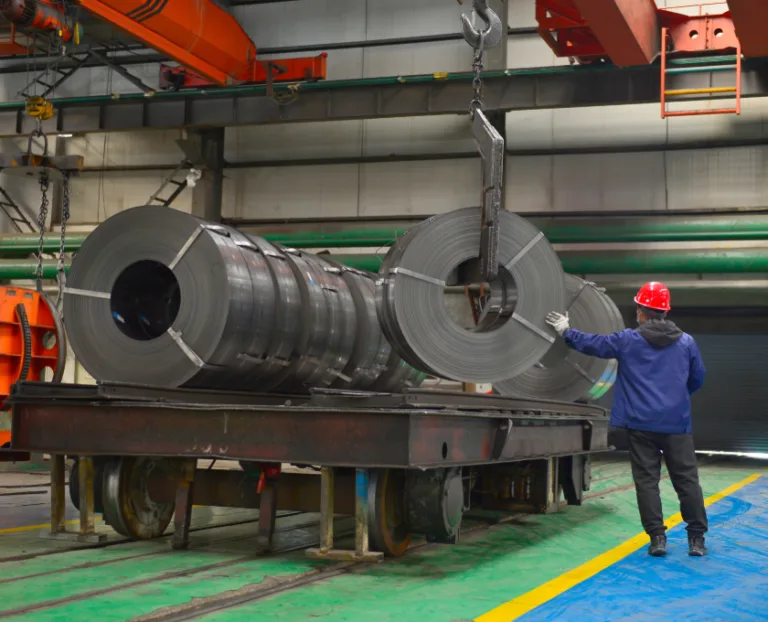
 Shipbuilding & repairSteel plates and profiles, outfitting equipment, owner-supplied items and repair spares.
 Marine & offshoreLong-lead subsea equipment, vessel charters and mobilization.
 Mining & quarryingFuel, explosives, tires, wear parts and fleet spares.
 Project-based manufacturingRaw material per BoM, bought-out components and subcontracted machining.
Your ProjectVIEW stack
ERP modules
AI agents
These specialized AI agents are available with ProjectVIEW v12. They work on governed ERP data, send risk alerts and propose actions. Your team approves every action. ProjectVIEW AI v12
Three ways to start: connect ProjectVIEW ERP to your current ERP, start with the modules you need most, or run the complete ERP + AI system. See integration with SAP, Oracle and other ERPs.
FAQ: Procurement Manager
Talk to our expert
Questions about your role or your industry? Talk to a subject-matter expert who implements ProjectVIEW ERP.

Can we start with procurement and warehouse only?
Yes, you can start with e-procurement and warehouse management and add other modules later. TERNA, for example, started with e-procurement and warehouse management.
Does it connect with our existing ERP for accounting and payments?
Yes, ProjectVIEW ERP runs standalone or next to SAP S/4HANA and Oracle Fusion.
How do we control price escalation on long contracts?
Price escalation and adjustment are handled against the contract as well as the BoQ or BoM items. In this way, recovery from the client and cost from the supplier are tracked together.
How do we know what we must buy from outside the project?
For each WBS activity, ProjectVIEW ERP compares the requirements with the materials in stock, the company’s own plant and crews, as well as resources available on other projects. Then only the shortfall becomes a purchase, hire or subcontract request, with its need date.
Which industries does this cover?
Construction, shipbuilding and repair, marine and offshore, mining and quarrying, as well as project-based manufacturing. The same procurement logic also applies in each, whether the scope is a BoQ, a BoM or a work package.
Construction Procurement Planning: How to Work Backward from WBS Need Dates to Site DeliveryDefence & Space Manufacturing ERP: Why Project-Based Manufacturing Starts with BoQ-to-BoMThe Connected Shipyard: How Shipyard ERP Creates One Digital Operating System for Every Stakeholder