



Illustration only, not measured results. Actual priorities depend on your project and organization.
What does a planner or scheduler do in a project-based company?
A planner or scheduler turns the scope into a time-phased plan, so that cost, procurement and site, yard or plant teams can execute it. In ProjectVIEW ERP, the schedule from Primavera P6 or MS Project is linked to the WBS and the BoQ or BoM, as well as to the cost codes. A change in duration or sequence therefore shows its cost and resource effect at once. The same logic also plans a building, a hull, a vessel campaign, a mine or a production order.
- Plan: build the WBS, activities, durations and logic for the master schedule as well as the look-ahead schedules.
- Resource: then load labor, machinery and materials, and find the gaps in capacity.
- Update: finally, record actual progress, re-forecast dates and report the critical path.
How ProjectVIEW ERP supports planners
Select your industry
 ConstructionMaster schedule, look-ahead plans and progress per WBS for buildings, infrastructure and EPC.
 Shipbuilding & repairHull block, outfitting and dry-dock schedules with yard capacity and resources.
 Marine & offshoreCampaign and vessel schedules with weather windows and mobilization.
 Mining & quarryingMine and quarry production schedules with fleet and shift capacity.
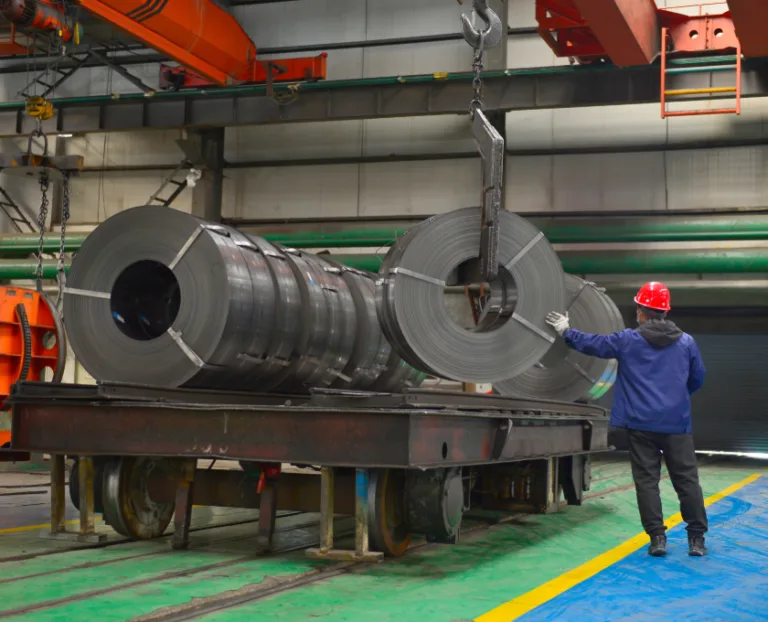 Project-based manufacturingProduction and assembly schedules linked to the BoM and to capacity.
Your ProjectVIEW stack
ERP modules
AI agents
These specialized AI agents are available with ProjectVIEW v12. They work on governed ERP data, send risk alerts and propose actions. Your team approves every action. ProjectVIEW AI v12
Three ways to start: connect ProjectVIEW ERP to your current ERP, start with the modules you need most, or run the complete ERP + AI system. See integration with SAP, Oracle and other ERPs.
FAQ: Planner / Scheduler
Talk to our expert
Questions about your role or your industry? Talk to a subject-matter expert who implements ProjectVIEW ERP.

Does ProjectVIEW ERP replace Primavera P6 or MS Project?
No, because ProjectVIEW ERP integrates with Primavera P6 and MS Project. The schedule stays in the planning tool, while ProjectVIEW links it to the WBS, the BoQ or BoM and the cost codes.
How is progress measured?
Progress comes from actual quantities recorded per BoQ or BoM item and WBS element, instead of typed percentages. As a result, you get a measured progress that you can compare with the planned progress and with earned value.
Can a planner see the cost of a delay?
Yes, because activities are linked to cost codes and resources, a change in duration shows its effect on time-related costs and on the cost to complete.
Can the plan show procurement need dates?
Yes, each activity is linked to the BoQ or BoM items it needs, so material and subcontract need dates go to procurement from the planned start dates.
Which industries does this cover?
Construction, shipbuilding and repair, marine and offshore, mining and quarrying, as well as project-based manufacturing. The same WBS and schedule logic also applies in each, whether the scope is a BoQ, a BoM or a work package.
Why WBS Alone Is Not Enough for Project Cost ControlThe Connected Shipyard: How Shipyard ERP Creates One Digital Operating System for Every StakeholderMining ERP for Mine Development & Expansion: What Contractors Need in 2026