
))
))
))
))
))
))
))
))

Key Features
- Import/Export BoQ from/to Excel Template
- Create New BoQ subitems as nested lines
- Associate Cost Recipes – Direct and Indirect Resources
- Update Materials/Subcos database via Procurement
- Forecast Inflation-based Materials Cost
- Allocate Indirect Budget Costs
- Any BIM Connector/Viewer
- Apply Overhead/Risk/Profit
- What-if/What-Will Bidding Scenarios
- Multiple Budget Versions (BoQ Versions)
Bill of Quantities Software · ProjectVIEW ERP
What is Bill of Quantities software?
Bill of Quantities (BoQ) software is used by contractors, quantity surveyors and estimators to structure the items of work in a project, measure their quantities, price them, and manage the BoQ through tender, contract, interim valuations, variations and the final account. Spreadsheets and standalone estimating tools stop at the tender. In ProjectVIEW ERP the BoQ continues into execution: every BoQ item is linked to WBS activities and cost codes, so the same BoQ drives the budget, procurement, subcontracts, progress measurement, client certification and cost control.
The BoQ from tender to final account
- Import and structure Import the client BoQ from its Excel template, keep the original codes and hierarchy, add nested sub-items and keep multiple BoQ versions. Structures can follow RICS ICMS, CSI Uniformat II or MasterFormat 2020.
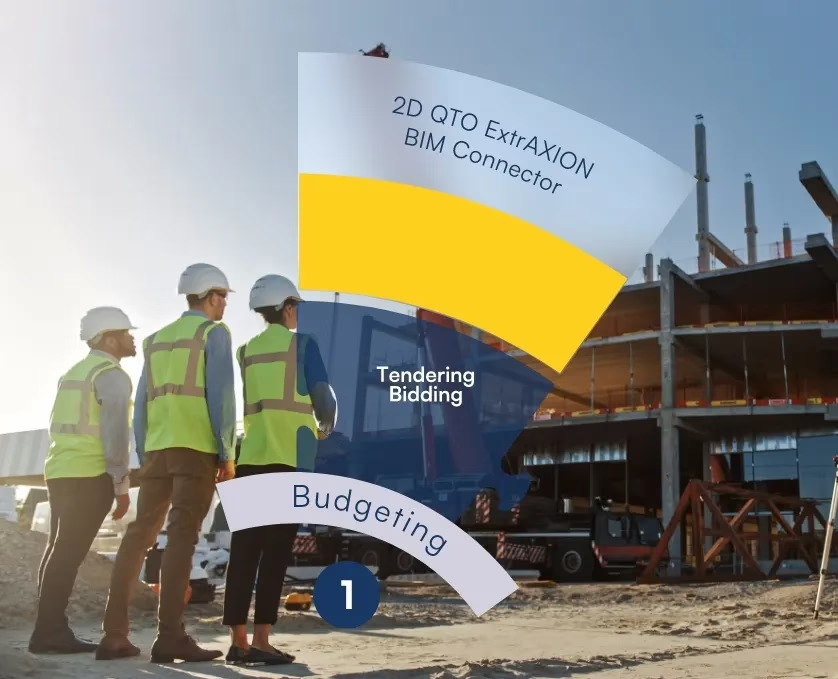
- Quantity take-off Measure quantities from AutoCAD or Bentley drawings, PDFs and images with the ExtrAXION 2D QTO add-on, or from BIM models through .ifc files, and compare lump-sum quantities against measured ones.
- Pricing Build every rate from cost recipes of direct and indirect resources, forecast material inflation, apply overhead, risk and profit, run what-if bidding scenarios, and export the priced BoQ back to the client template.
- Budget The awarded BoQ becomes the cost control baseline, with each resource held under a cost code and each item linked to WBS activities in Primavera P6 or MS Project.
- Execution Allocate BoQ packages to subcontractors, measure progress per item, issue interim payment certificates, and price variations and claims against the affected BoQ items through to the final account.
BoQ software compared
| Spreadsheets | Estimating tools | ProjectVIEW ERP | |
|---|---|---|---|
| Tender pricing | Manual | Yes | Yes, from cost recipes |
| Link to schedule | No | No | BoQ items linked to WBS activities |
| Link to actual cost | No | No | Commitments and actuals coded to BoQ items |
| Subcontract packages | Manual | Limited | BoQ packages with measured certificates |
| Interim certificates | Manual | No | Measured quantities × contract rates |
| Variations and claims | Manual | Re-estimate | Costed against BoQ and WBS before approval |
See how one BoQ item moves from estimate to earned value on the Construction ERP Software page.
Who uses it
Quantity surveyors · Cost estimators · Bidding managers · Cost controllers
Related Budget Estimation & Bidding module Cost Control module ProjectVIEW vs estimation apps Harmonizing BoQs with RICS ICMS, Uniformat II and MasterFormat BoQ, WBS and Cost Codes
FAQ: Bill of Quantities Software
What is Bill of Quantities software?
Bill of Quantities (BoQ) software is used by contractors, quantity surveyors and estimators to structure the items of work in a project, measure their quantities, price them, and manage the BoQ through tender, contract, interim valuations, variations and the final account. In ProjectVIEW ERP the BoQ is also linked to WBS activities and cost codes, so the same BoQ drives the budget, procurement, subcontracts, progress measurement and cost control.
Can ProjectVIEW ERP import an existing BoQ from Excel?
Yes. ProjectVIEW imports the client’s BoQ from its Excel template with the original item codes and hierarchy, lets estimators add nested sub-items and price every line, and exports the priced BoQ back to the original template for submission.
Does ProjectVIEW support quantity take-off from drawings and BIM models?
Yes. The ExtrAXION 2D QTO add-on measures quantities from AutoCAD or Bentley drawings, PDFs and images and references them to BoQ lines, so lump-sum quantities can be checked against measured quantities. BIM models connect through .ifc files.
What happens to the BoQ after contract award?
The priced BoQ becomes the cost control baseline. Each item is linked to WBS activities and cost codes, split into subcontract packages where needed, and measured on site. Interim certificates, variations, claims and the final account are all prepared against the same BoQ items.
Bill of Quantities Software · ProjectVIEW ERP
ERP Modules Overview


Speak to our experts
If you have any questions or need more information regarding the solutions we offer, please fill in our contact form, and a member of our team will get in touch with you as soon as possible.